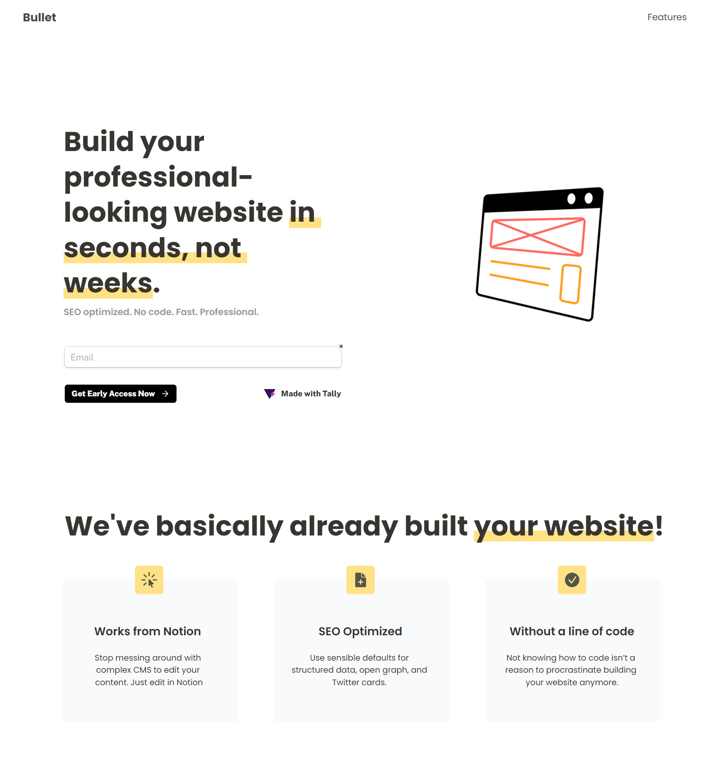
In today's world, there is a huge demand for websites. E-commerce, online businesses, startups and small and medium-sized enterprises all need websites. But building a website is no easy task.
While there are many blog posts on how to build a website instantly, few of them provide practical solutions to build a website instantly. This blog will therefore delve into the step-by-step procedure to build a website in 10 minutes.
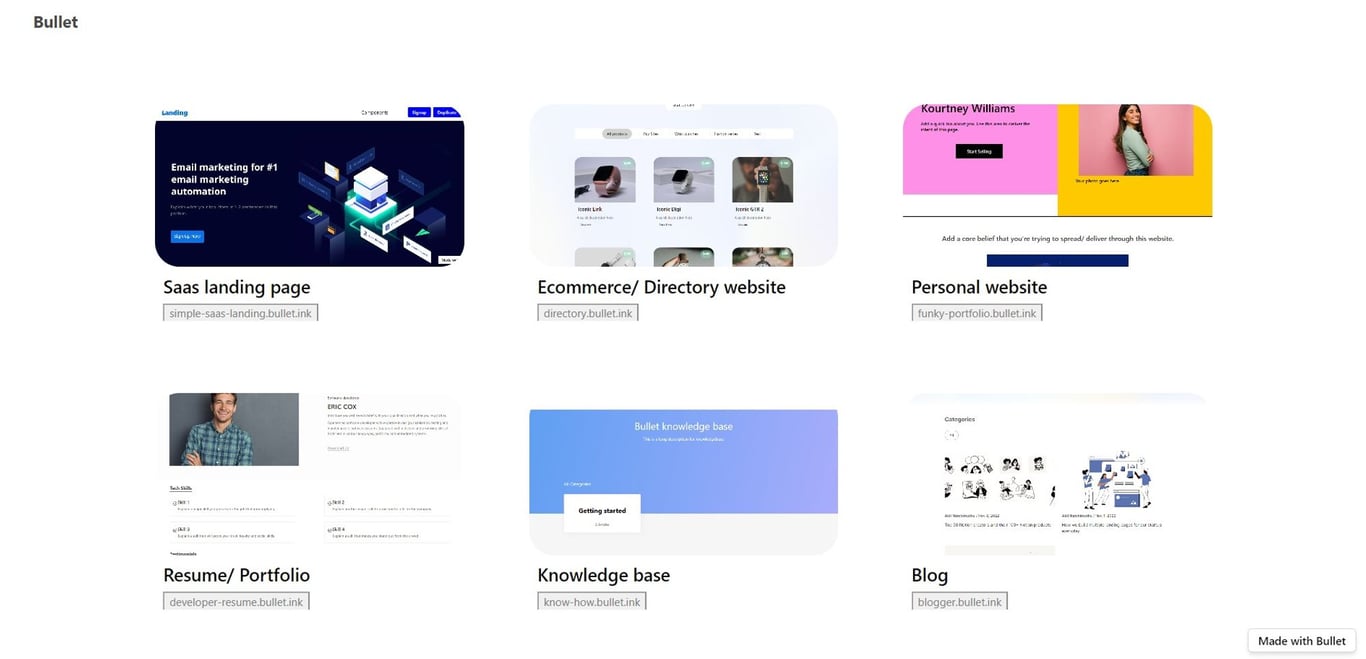
Step 1: Choose a template from Bullet gallery
Â
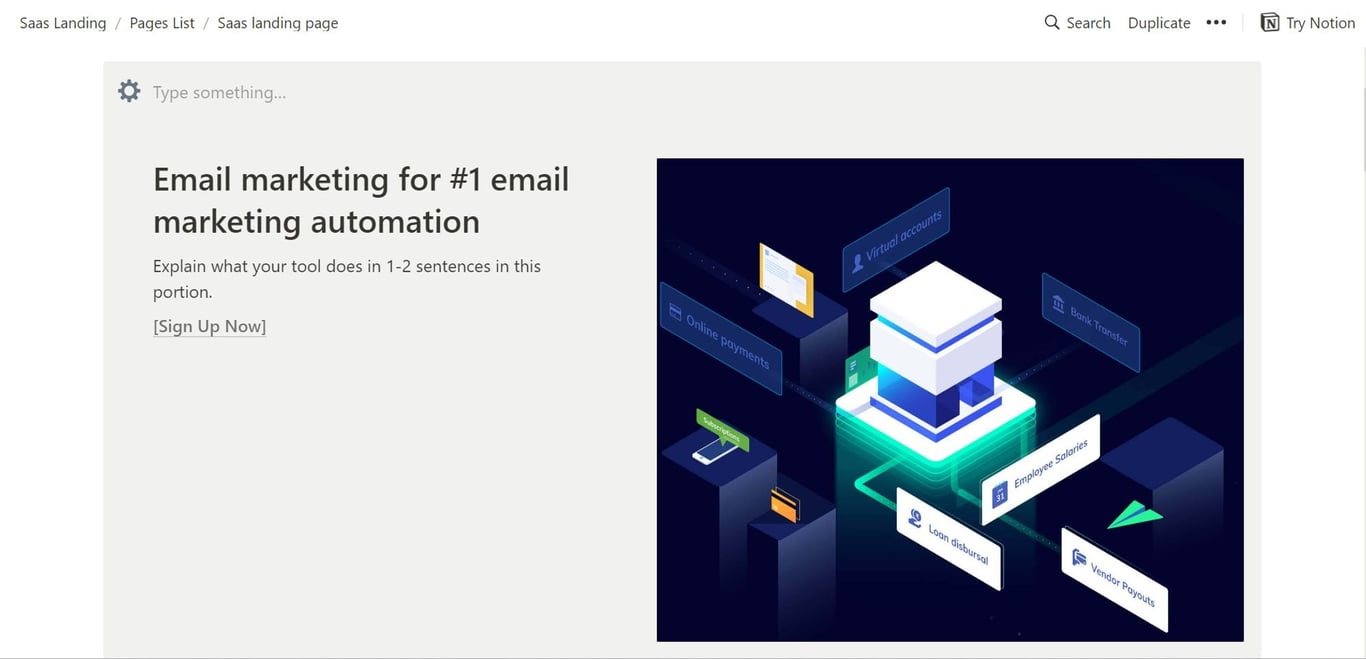
Sign up with Bullet.so and choose a template for your landing page from the Bullet’s template gallery.
Â
Step 2: Duplicate it in your Notion page
After choosing a template that suits your brand, duplicate it into your Notion workplace by clicking Duplicate on the top right corner of the template.
Â
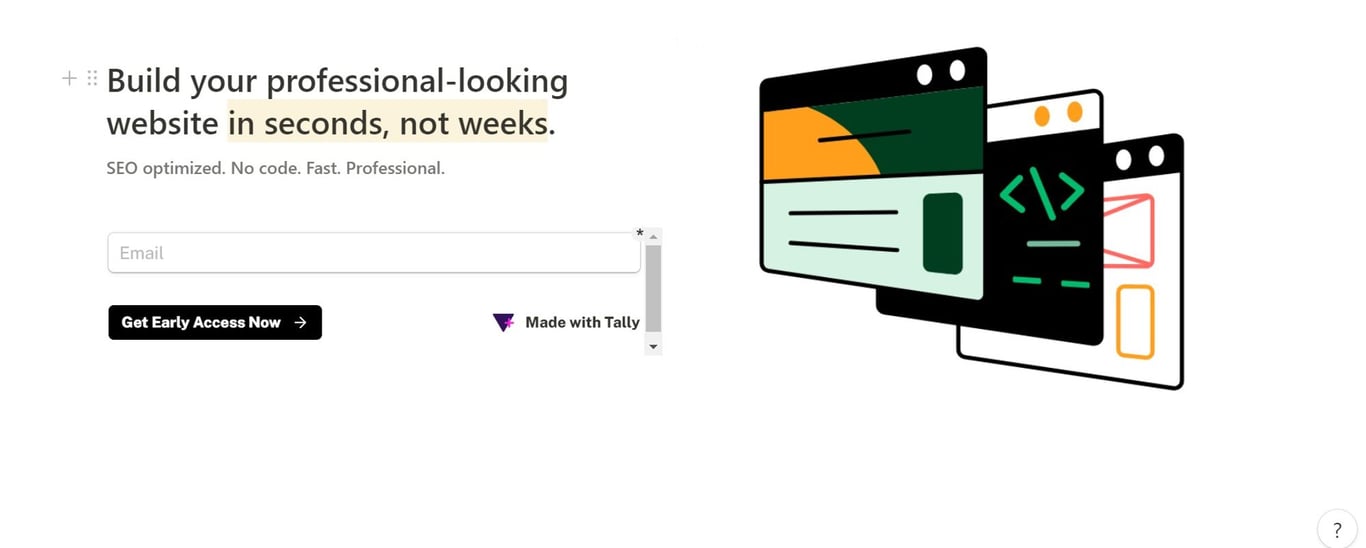
Step 3: Customize it with quality content
Add H1s, H2s and other content into your template. Don’t miss out on adding relevant images, GIFs and a proper CTA.
You can use free AI writing tools like Peppertype.ai or Copy.ai to generate high quality landing page content.
Â
Step 4: Paste your Notion url in Bullet’s dashboard and Publish
Â
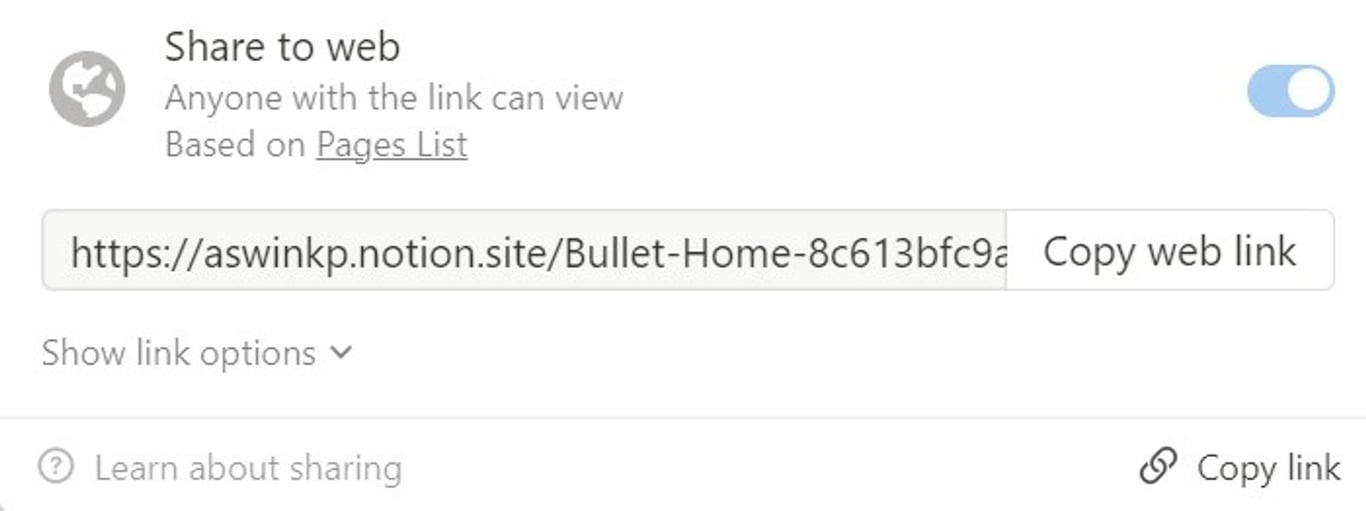
Click “Share” on the top right corner, toggle the “share to web” and copy the url
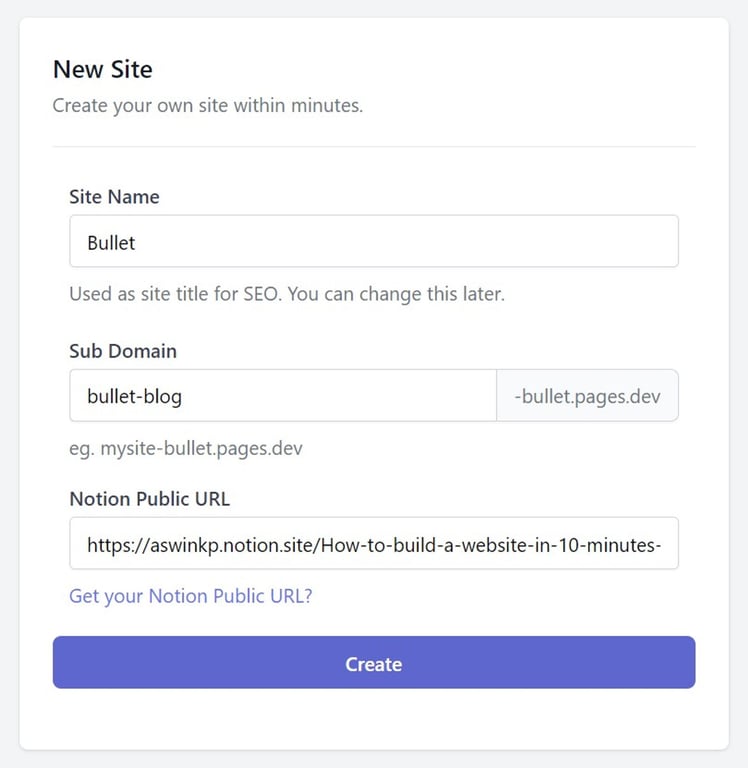
Paste it in Bullet’s dashboard, fill up the sub-domain and other elements and hit “Create”
Â
There you have it. Anyone can create a website in 10 minutes with just Notion and Bullet.
Whether you're looking to improve your productivity or just want to free up some extra time, these are 5 incredible benefits of using Notion to help you achieve your goals.
Are you in need of a stunning website that is efficient, well-organized, and easy to use? If so, then you should consider building your website with Notion.